
Why Automatic Updates are Crucial for SME Cybersecurity
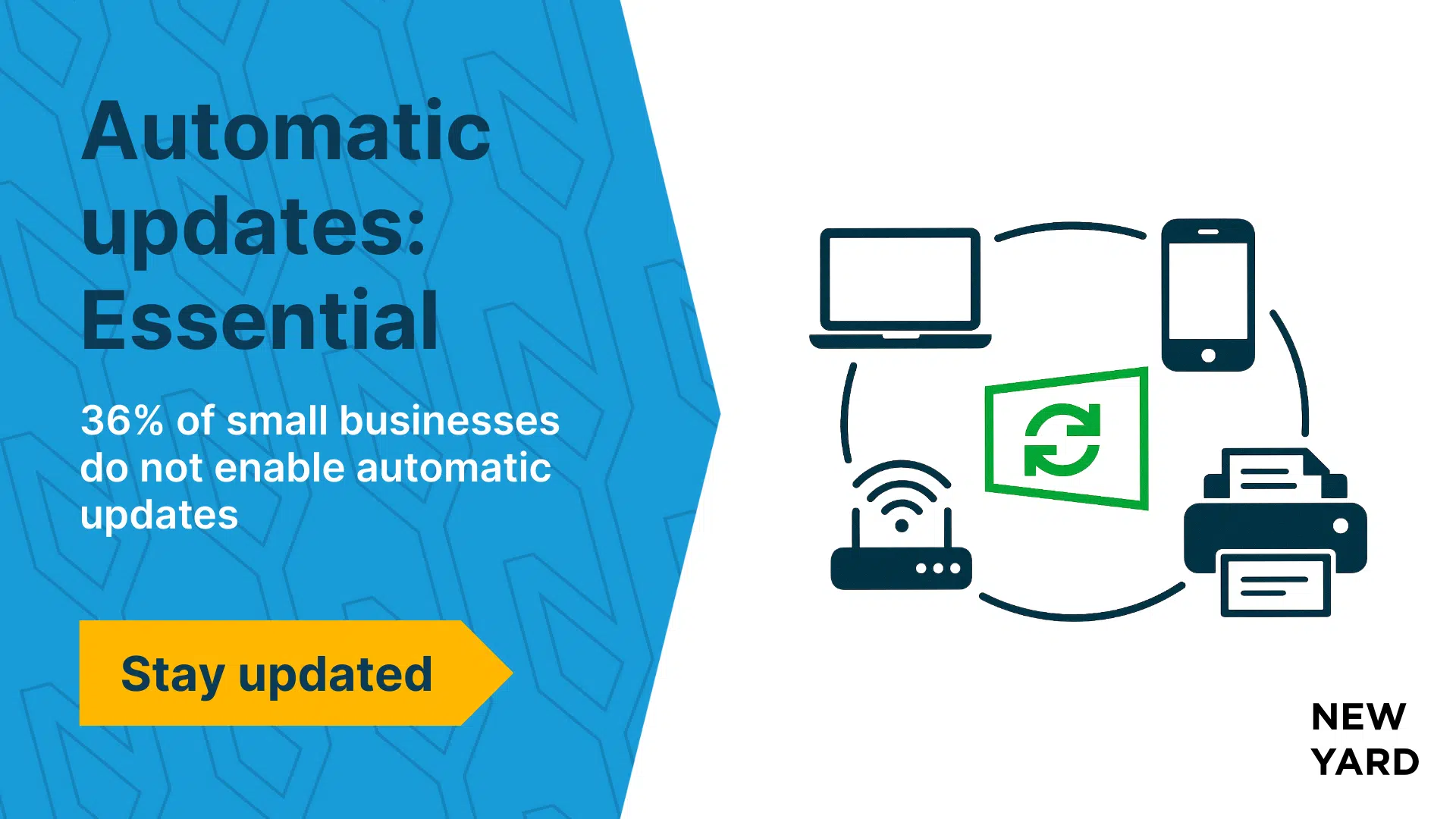
Recent data from the CyberSafe Check by the Digital Trust Center (DTC) shows that 36% of small businesses in the Netherlands do not set up automatic updates on all devices. This is concerning, as updates are one of the simplest and most effective ways to prevent cyber attacks.
Software updates often contain security patches that effectively close gaps in your current security. If they are not installed, your company runs a greater risk of hacks, data breaches, and financial damage.
Are automatic updates already enabled on your devices? Are all your devices well-protected against cybercrime? Take the CyberSafe check via the government’s Digital Trust Center to discover how secure your devices are.
What is the CyberSafe Check?
The CyberSafe Check is developed for small businesses with limited experience or knowledge of cybersecurity. Within five minutes, you gain insight into the digital security of your devices and receive a personalized action list, including advice on enabling automatic updates.
Updates are therefore not a luxury, but a basic measure for digital security.
Update more than just your Laptop or Phone
When thinking about automatically updating your devices, you often consider your laptop or smartphone, but not other devices such as:
- printers
- routers
- smart doorbells
- IoT devices in the workspace
- servers
These devices are also connected to the internet and therefore vulnerable. My advice: always enable automatic updates where possible. Are you unsure about the vulnerability of your devices? Check today if all your devices are up to date or consult your IT partner for this.
Major Differences between Sectors
The CyberSafe Check shows that some sectors perform better than others. Below is an overview of the highest-scoring sectors in terms of automatic updating:
- Information and communication: 73%
- Financial and business services: 66%
- Agriculture and fisheries: 55%
- Energy and real estate: 58%
The TNO report “Secure Digital Enterprise” shows similar results. Particularly companies in agriculture, forestry, and fisheries lag behind with automatic updates (60%), while the financial sector again scores high (84%).
It’s noteworthy that the energy sector scores better in the TNO study than in the CyberSafe Check. This difference can be explained by the fact that the TNO study examined a broader group of companies, from sole proprietors to companies with 400 employees, while the CyberSafe Check primarily focuses on small SMEs (1-50 employees). Larger companies typically implement more cybersecurity measures.
The “Do your Updates” Campaign
The Ministry of Economic Affairs has launched the “Do Your Updates” campaign to raise awareness among entrepreneurs and individuals about the importance of software updates. Through the website, you learn why devices without updates are unsafe and unreliable, and how to keep all your devices up to date. Visit www.doejeupdates.nl and check how your devices are doing.
5 Reasons to Enable Automatic Updates
- Protection against hackers: security vulnerabilities are quickly exploited.
- Better performance: devices function more smoothly.
- Time savings: no manual maintenance needed.
- Compliance: meeting regulations and customer expectations.
- Reputation protection: prevents data breaches and loss of trust.
Conclusion
Automatic updates are a simple but powerful measure to protect your business. Both the CyberSafe Check and TNO research show that many SMEs and sole proprietors are still lagging behind.
Enable automatic updates today and reduce your digital risks. This protects not only your business but also your customers and reputation.
Are you unsure about the security of your devices or want to make certain that automatic updates are enabled on all your devices? Contact New Yard, or your own IT partner and have a check-up performed.