
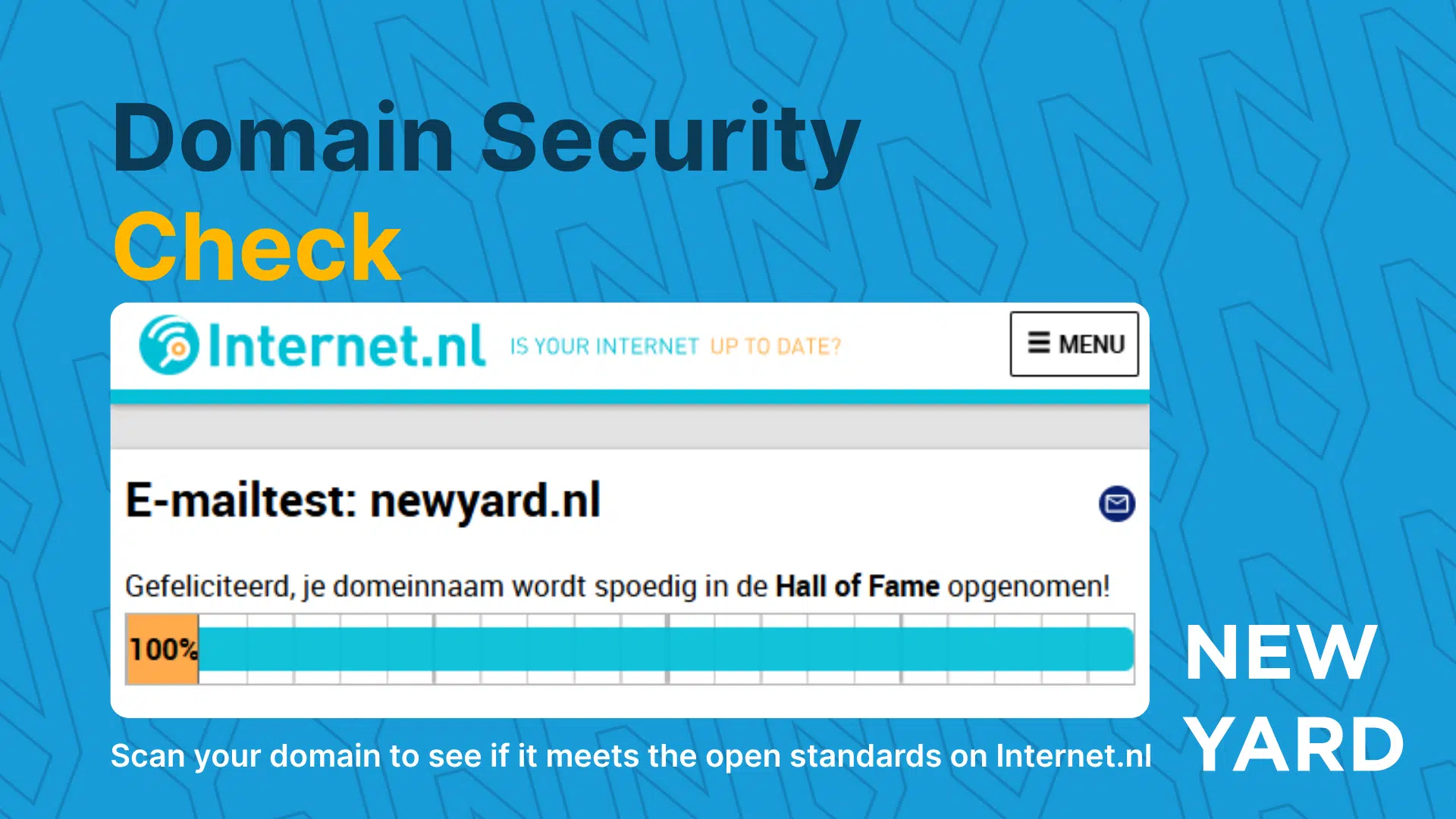
Securing your website and e-mail is becoming increasingly important. It’s not just about an SSL certificate anymore; these days there are many more aspects you need to pay attention to in order to keep your digital environment secure. In this article, we explain what you can do yourself, what tools you can use, and how New Yard can help you protect your website and mail servers.
Why website and mail security is essential
Many companies underestimate the risks of inadequate security. Hackers do not only target large companies; SMEs and independent business owners are also vulnerable.
Some hard facts:
- By 2023/2024, according to ABN AMRO, there were 70,000 reports of CEO fraud, with an estimated loss of EUR 109 million.
- Phishing and spoofing via corporate domains are increasing every year. According to Microsoft , the number of attempts to access corporate accounts via e-mail increased 25% by 2024.
- Poorly configured websites and mail servers pose a risk to your customers and employees alike.
By properly securing your domain, website and mail servers, you reduce the chances of hackers sending messages on behalf of your company, stealing confidential data or hijacking your website.
What does good security entail?
Previously, installing an SSL certificate was enough to make your Web site secure. Today, many more measures are needed, including:
- DNS settings for mail security
- SPF (Sender Policy Framework).
- DKIM (DomainKeys Identified Mail).
- DMARC (Domain-based Message Authentication, Reporting & Conformance)
- DNS security
- DNSSEC for authentication of DNS records.
- Website Security
- TLS (Wildcard or Named Certificates) certificates.
- HTTP security headers such as HSTS, Content-Security-Policy and X-Frame-Options
- Monitoring and alerts
- Continuous visibility into suspicious login attempts
- Notifications for failed email deliveries or spoofing attempts
How do you know if your environment is safe?
Fortunately, there are tools that provide insight into your current security status. One of the most accessible and reliable tools is Internet.com.
What does Internet.co.uk measure?
Internet.com checks that your domain meets open standards. These standards are designed to make the Internet safer, faster and more reliable. The check includes:
- DNS configuration and domain authentication
- TLS certificates and encryption
- Mail server settings for SPF, DKIM and DMARC
The beauty of Internet.nl is that it’s completely free and immediately shows you where your areas for improvement are. Want to know more about how to implement open standards? Check out our detailed explanation here.
Pros and cons of self-testing
Advantages:
- Free and instant insight into current security
- Ability to prioritize improvements
- Taking action yourself before problems arise
Disadvantages / limitations:
- Some technical improvements are complex and require specialized knowledge
- Internet.co.uk does not provide a complete picture of all possible vulnerabilities
- Without monitoring, one-time correction may be insufficient
In short: testing is essential, but one-time testing is not always enough.
For whom is this relevant?
Well suited for:
- SMEs working with customer data
- Organizations with remote workers and cloud solutions
- Anyone who wants to prevent reputational damage from email fraud
Less relevant to:
- Personal blogs without user interaction
- Websites without mail functionality or external communication
Even in “less relevant” cases, a minimal configuration of SPF/DKIM/DMARC can’t hurt.
What can you do yourself?
- Start with a free check through Internet.com.
- Check for warnings at:
- TLS/SSL certificates.
- SPF/DKIM/DMARC records.
- Open standards of DNS and mail
- Make a list of items that you cannot solve yourself.
- Let New Yard help you implement and monitor improvements.
With this approach, you significantly reduce the risk of hacks, phishing or CEO fraud.
Conclusion
The digital world is changing rapidly and the threat of hacks, phishing and email fraud is increasing. Securing your website and email is no longer a luxury, but a necessity. By starting with a free check via Internet.nl and working with New Yard where necessary, you reduce risks and protect both your organization and your customers.
Let us help with the outcome of the check so you can be sure your domain and email are secure. Contact us today and take the first step toward a more secure digital environment.
FAQ
SPF determines which servers may send emails on behalf of your domain.
DKIM adds a digital signature to emails so recipients can verify they have not been altered.
DMARC tells the receiving server what to do if SPF or DKIM is incorrect and provides reporting.
SSL only encrypts the connection between browser and server. It does not prevent misuse of your domain for email fraud.
Open standards ensure that systems communicate securely and compatibly. They are easy to implement and improve security and reliability.
It is a reliable tool, but it does not cover all vulnerabilities. Additional expertise is needed for a complete picture.
Preferably monthly, or when major changes are made to website, mail server or DNS.
Many configurations are free (such as SPF/DKIM/DMARC), but complex settings or monitoring may cost money once or monthly.
It significantly reduces the chance, but no single measure offers a 100 percent guarantee. Awareness and monitoring are crucial.
Yes, SPF, DKIM and DMARC also apply here, in addition to internal policies and monitoring.
No, SMEs and independent business owners, in particular, are also vulnerable and benefit from good security.