
Estimated reading time: 6 minutes
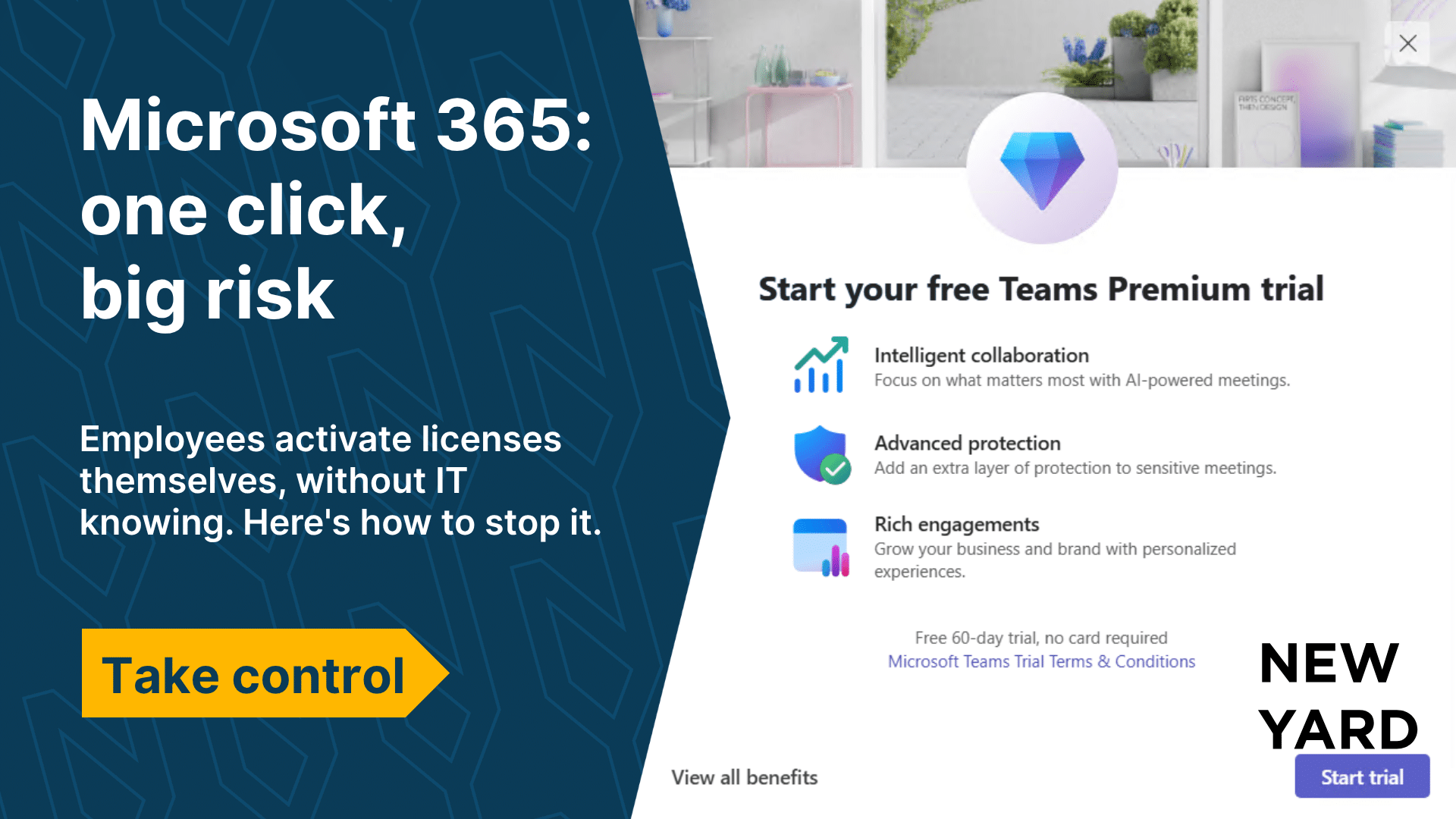
Imagine this: an employee sees a button in Microsoft Teams that says “Unlock Premium. He clicks it, starts a free trial, then forgets about it completely. A month later, that trial automatically converts to a paid subscription. Times this scenario times ten, twenty or fifty employees, and before you know it, you’re paying hundreds of dollars a month for licenses that are out of your sight.
This is not a theoretical scenario. It happens every day in organizations using Microsoft 365, and most IT managers have no idea.
Microsoft 365 has a feature called self-service purchases and trials. That allows users to activate products or add-ons themselves, without IT intervention. That sounds convenient, but it has hefty implications for cost, oversight and security.
To disable or not to disable: what specifically changes?
The difference between leaving self-service purchases on or off is greater than most organizations think.
If self-service purchases are on
Users can work independently:
- Trials start for premium Microsoft products
- Activate add-ons within existing applications such as Teams
- Purchasing subscriptions through their own payment method
For IT, this means:
- No complete listing of active licenses
- Unexpected invoices outside the central contract
- Applications used without governance or security controls
If self-service purchases are off
All licensing goes through IT or through a central vendor. This provides:
- Full license overview in the Microsoft 365 Admin Center
- Predictable and manageable cloud costs
- Better compliance and less shadow IT
- Clear governance around application usage
For almost any organization with multiple employees, the second approach is the most stable and sensible choice.
Four risks you may be underestimating
1. Uncontrolled cloud costs
Trials are automatically converted to paid licenses upon completion. A product of 10 euros per user per month sounds small. But with 20 employees each starting a trial, that adds up to 2,400 euros per year. Because these licenses are outside the central contract, they are also more difficult to manage or cancel.
Productiv research shows that organizations use an average of over 370 SaaS applications, more than half of which are out of IT’s sight. Self-service purchases actively contribute to this fragmentation.
2. Shadow IT
Shadow IT occurs when employees use software without IT’s knowledge. That creates risks beyond cost:
- Applications are used without security assessment
- Company data can be stored or shared outside of policy
- Integrations with other systems were not reviewed
- Problems are harder to track and solve
For organizations with compliance requirements such as ISO 27001 or NIS2, these are not theoretical risks.
3. Fragmented license overview
Licenses can be scattered across the central Microsoft contract, separate self-service purchases and individual employee payment methods. This makes license management more complex and increases the likelihood of duplicate costs or gaps in coverage.
4. Security and compliance risks
New Microsoft services also introduce new data streams. Think Power BI datasets with business information, forms with customer data, or shared storage locations that fall outside security policies. If IT does not have visibility into these, data breaches or compliance violations are a real risk.
What does work: setting up central license management
The most effective approach is simple: disable self-service trials and purchases so that everything goes through a controlled process. Employees can still request new tools, but it will go through IT or the service desk.
Through the Microsoft 365 Admin Center
- Go to the Microsoft 365 Admin Center
- Open Settings and choose Org settings
- Go to Self-service trials and purchases
- Select the relevant product
- Set the setting to ‘Do not allow’ and save
Note that this setting must be configured on a per-product basis. As Microsoft adds new services, it is wise to check this periodically.
Via PowerShell (for larger environments)
For organizations with multiple Microsoft 365 services, PowerShell is more efficient. With the MSCommerce module, you turn off self-service purchases for all products at once. This is also easy to automate as part of a broader governance or DevOps approach.
Want to know how to set this up specifically for your tenant? We’d be happy to walk you through it.
Common objections, and honest answers
“Our employees are reliable, this will not run like this with us.”
Sure, but this is not about distrust. An employee who clicks “Unlock Premium” has no bad intentions. He just wants to do his job. The problem is in the lack of control and visibility, not in the user’s intent.
“This costs us more time than it saves.”
Setup takes a few minutes once. The time you save in tracking down unknown licenses, resolving compliance issues and managing shadow IT is significantly greater. Especially if you combine this with a periodic Health Check of your Microsoft 365 environment.
“We don’t even know if self-service is active with us.”
That’s exactly the point. In most environments this is on by default, unless someone has deliberately disabled it. A quick check in the Admin Center gives an immediate answer.
Practical checklist: Microsoft 365 cost and governance in order
Want to prevent cloud costs from going unnoticed? Then run through these points:
License Management
- Check whether self-service purchases and trials are active in your tenant
- Disable self-service purchases and trials via Admin Center or PowerShell
- Make sure all licenses are centrally managed through IT or your vendor
Cost Management
- Review existing Microsoft 365 licenses for usage and overlap
- Identify unused or duplicate licenses
- Monitor periodically what new Microsoft services become available
Security and compliance
- Control which applications have access to corporate data
- Limit uncontrolled integrations with external services
- Ensure clear governance around new tools and add-ons
- Repeat this check at least quarterly
Grip on your digital workplace starts with overview
In many organizations, the Microsoft 365 environment grows organically. New features are added, settings remain, and users discover new capabilities on their own. That works fine as long as there remains oversight.
But once self-service purchases, license fragmentation and shadow IT go unmanaged, costs and risks can mount unnoticed. It’s not a matter of if it goes wrong, but when.
At New Yard, we help organizations keep their digital workplace organized, secure and manageable. Not by locking everything down, but by putting the right controls in the right places so that employees can work comfortably and IT maintains an overview.
Our goal is not just a technically well-equipped environment. It is a digital workplace that remains stable, secure and pleasant to manage, even as the organization grows.
Need a quick sparring session about your Microsoft 365 environment?
Do you doubt whether users in your organization can start Microsoft subscriptions themselves? Or do you want to know if self-service licenses are already active within your tenant?
If so, we’d be happy to take a look with you. During a short, no-obligation conversation, we can:
- Check whether self-service purchases are active
- Provide insight into potential licensing and security risks
- Discuss how to improve Microsoft 365 governance
No strings attached. Just a technical conversation to see where improvement is possible.